Tech
How to set up your MTS email in Outlook for iOS

Download the Microsoft Outlook app from the App Store.
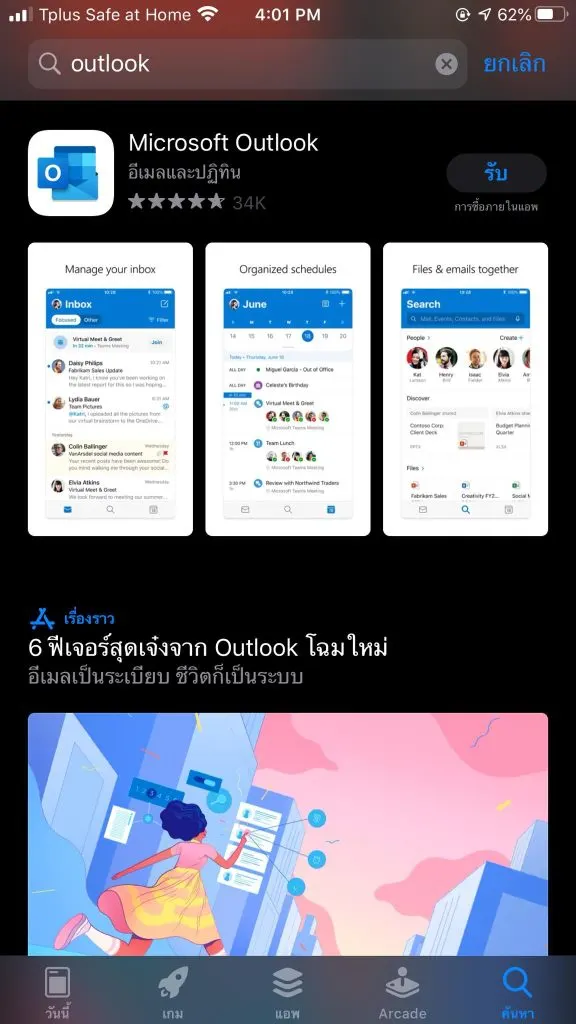
Tap Open.
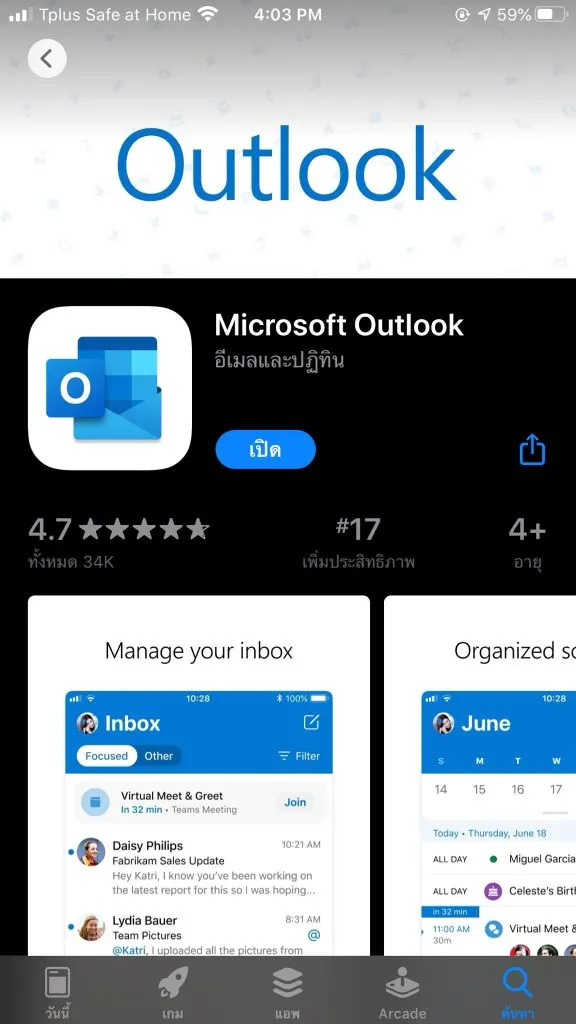
Tap Get Started.
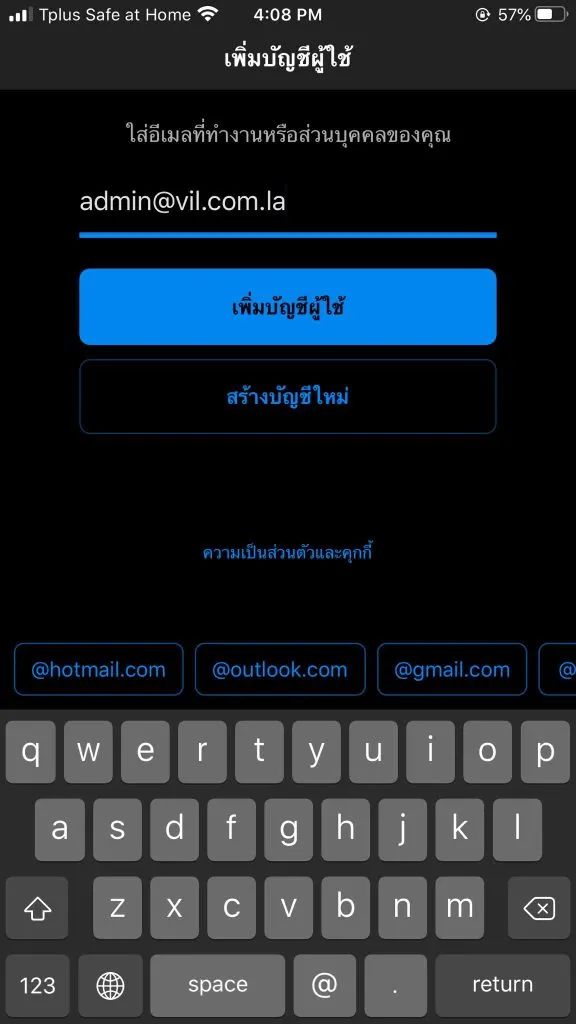
Enter your email address, then tap Add Account.
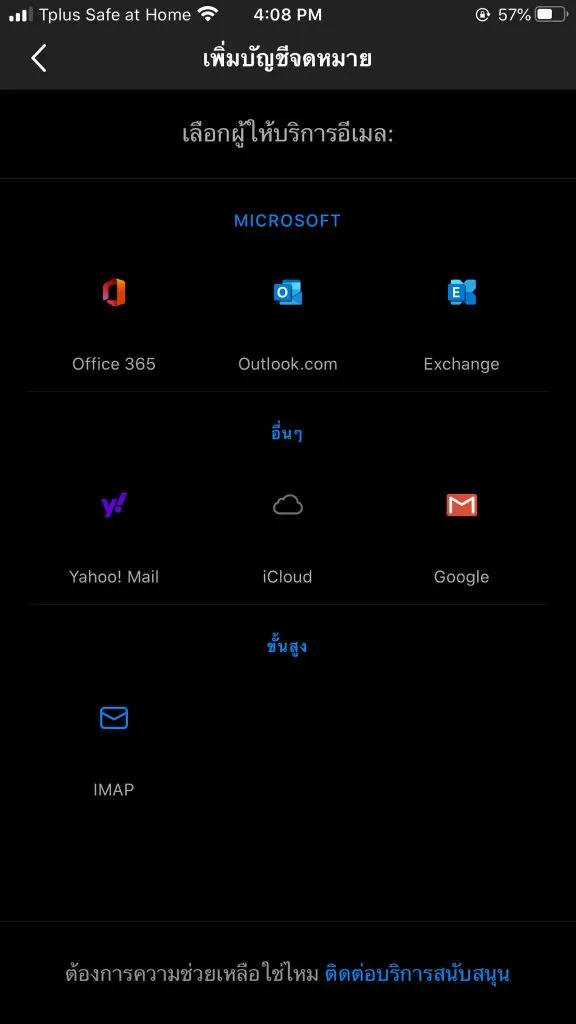
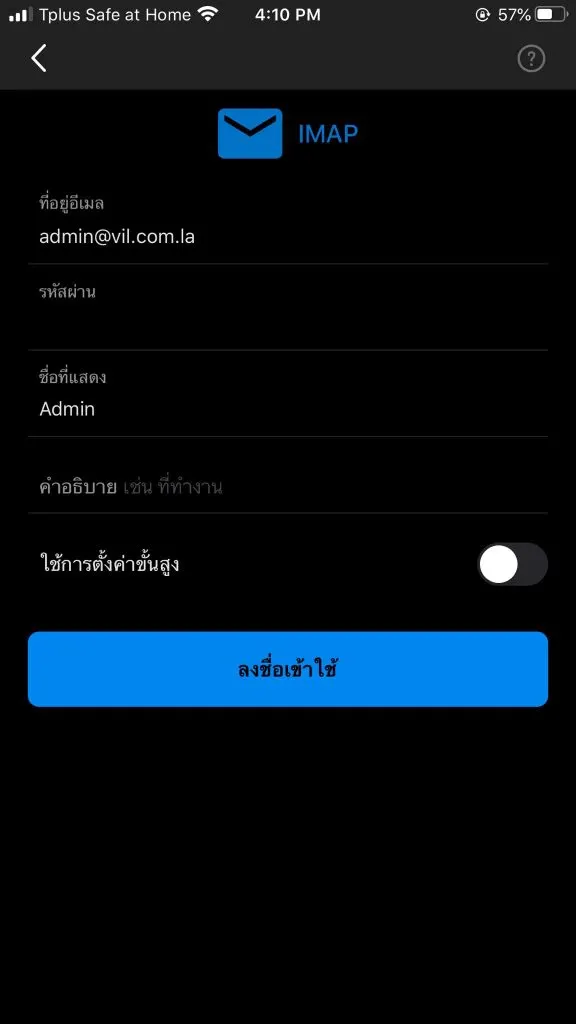
Tap IMAP.
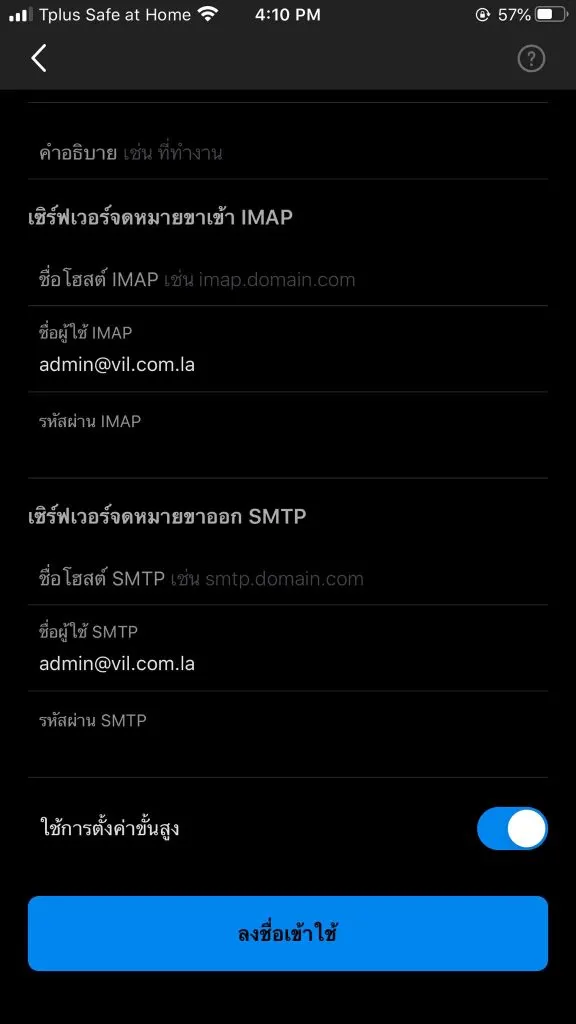
Choose Use Advanced Settings.
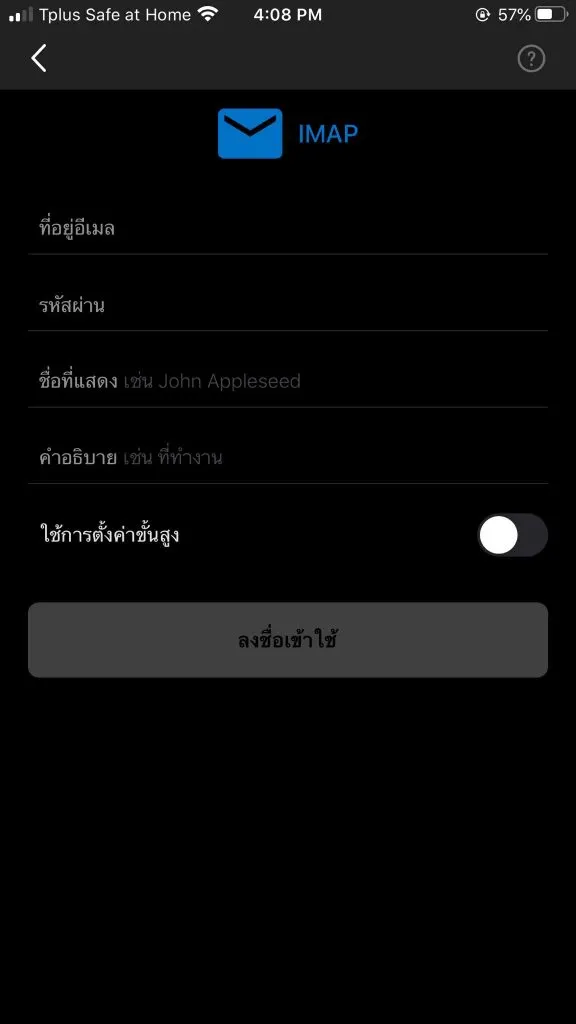
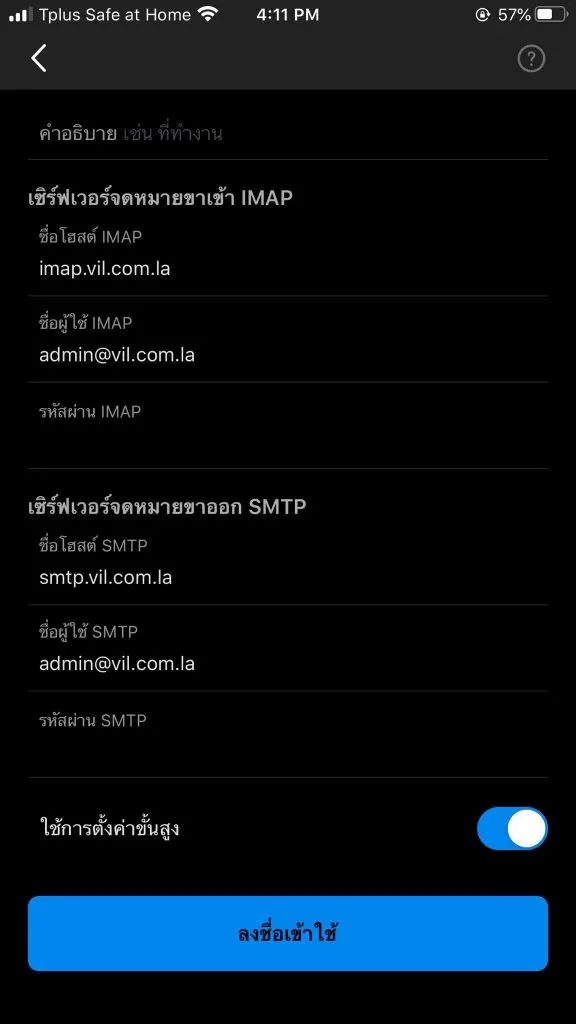
Enter your Email address and the name to show in Display Name, then fill in the servers:
- IMAP incoming mail server — Host: your mail server, e.g.
mail.yourdomain.la· User name: your full email address · Password: your email password - SMTP outgoing mail server — Host: the same mail server · User name: your full email address · Password: your email password
Then tap Sign in.
- IMAP incoming mail server — Host: your mail server, e.g.
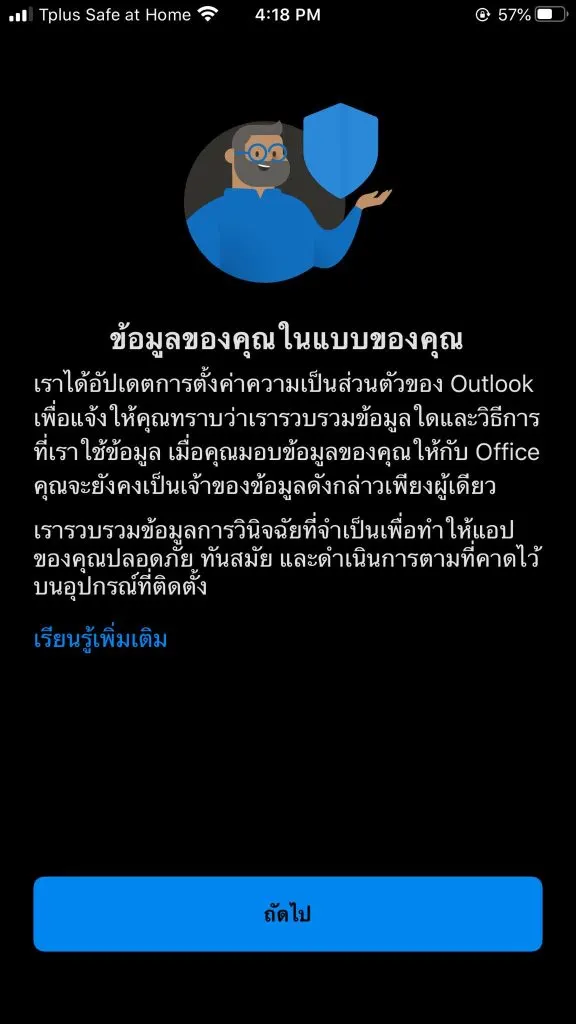
Tap Skip until you reach your inbox.
If you can’t sign in, check your user name and password again.